
Most managers think cost‑cutting alone fixes revenue loss; ignoring hidden leakages in support processes is wrong because it masks deeper inefficiencies. Retail helpdesks silently bleed revenue, turning a Diwali rush into missed upsell moments and eroding loyalty. To stop the drain you need a systematic scan – the Revenue Leak Radar – that pinpoints where tickets, knowledge gaps and SLA slips steal profit.
Before You Begin
Start by mapping every support channel – WhatsApp, in‑store QR scans, email and phone – into a single inbox view. Align the inbox with your CRM so that each ticket carries the shopper’s RFM profile and loyalty tier. This alignment lets the Radar flag high‑value tickets before they sit idle.
Misaligned Ticket Prioritization
High‑value issues get buried when the queue treats every request as equal, causing premium shoppers to abandon carts during the festive rush. The Revenue Leak Radar’s first component, Revenue‑Based Triage, forces agents to see the revenue impact of each ticket at the moment it lands.
Revenue‑Based Triage
- Tag incoming tickets with the shopper’s LTV tier from the CRM.
- Route Tier‑A tickets to senior agents within two minutes.
- Set a rule that any ticket mentioning “order not delivered” during a promotion escalates automatically.
Pro tip: Integrate the triage tag into the POS dashboard so floor managers can see real‑time support load alongside sales.
Inadequate Knowledge Base Utilization

When agents and customers rely on stale articles, the same questions recur, draining agent bandwidth and frustrating shoppers looking for quick answers during EOSS sales. The Radar’s second component, Knowledge Hygiene Engine, audits content freshness and relevance every week.
>Knowledge Hygiene Engine
- Run a weekly script that flags articles older than three months.
- Cross‑reference top‑10 ticket intents with knowledge base hits to spot gaps.
- Assign a content owner to refresh each flagged article before the next promotional cycle.
Pro tip: Embed short video clips in articles for beauty brands where shade matching queries explode during Diwali gifting.
Hidden SLA Breaches
Premium shoppers expect instant replies; a silent breach erodes trust and kills the chance to upsell a complementary product. The Radar’s third component, Real‑Time SLA Dashboard, surfaces breaches the moment they occur.
>Real‑Time SLA Dashboard
- Define separate SLA windows for loyalty tiers – 5 minutes for Gold, 15 minutes for Silver.
- Feed response times into a live wall visible to floor supervisors.
- Trigger an automated escalation email to the manager if a breach persists beyond the SLA.
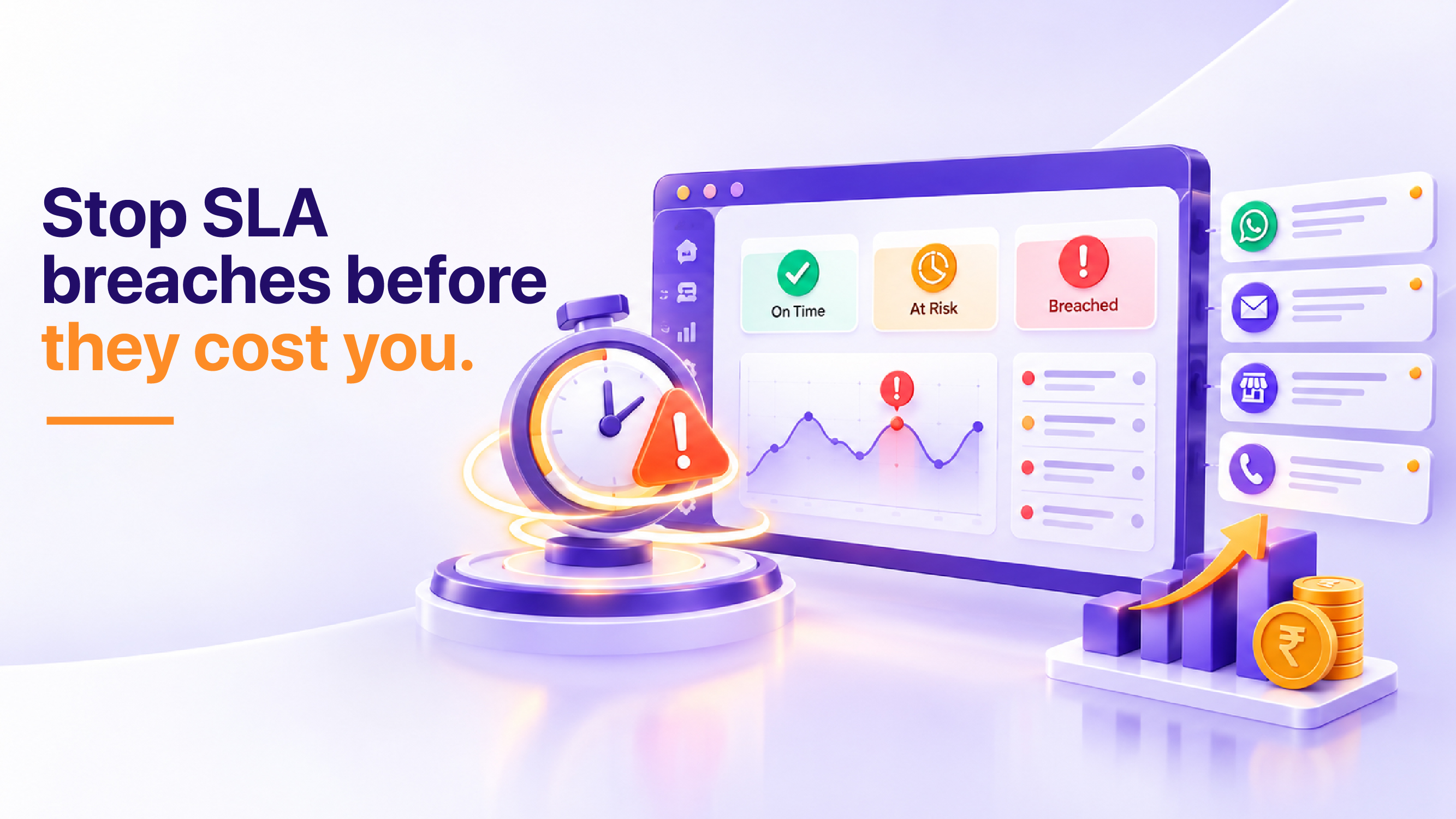
Pro tip: Couple the SLA alert with a pop‑up suggestion for the agent to offer a discount coupon if the issue is resolved within the next minute.
To make the dashboard truly actionable, integrate it with the store’s visual management system so that supervisors can see a colour‑coded heat map of SLA health across all channels. When a red flag appears, the supervisor can instantly re‑allocate agents, invoke a backup bot, or approve a goodwill gesture. This real‑time visibility transforms a potential revenue‑draining breach into an opportunity to demonstrate exceptional service, reinforcing loyalty and opening the door for cross‑sell dialogue.
Step 1: Map Ticket Flow
Visualising the end‑to‑end journey of a ticket reveals hidden friction points that the Radar can later monitor. Begin with a whiteboard session that sketches each entry point, routing rule and hand‑off.
- List every channel used during a Diwali campaign.
- Document the current routing logic for each channel.
- Identify who owns each hand‑off – store associate, call centre, or digital bot.
Pro tip: Use colour‑coded sticky notes to differentiate revenue‑critical tickets from routine queries.
Step 2: Enrich Tickets with Revenue Data
Attach the shopper’s revenue profile to every ticket so the Radar can prioritize on the fly. This enrichment turns a generic “order delay” into a high‑stakes “Gold member order delayed”.
- Integrate the CRM API to pull LTV and tier at ticket creation.
- Store the enrichment in a custom field visible to agents.
- Validate the data nightly to catch mismatches.
Pro tip: Show the revenue tag beside the customer name in the agent UI to make it impossible to ignore.
Step 3: Audit Knowledge Base Weekly
A stale knowledge base is a silent revenue drain; weekly audits keep it aligned with current promotions and product launches.
- Export the top‑20 ticket intents from the last week.
- Match each intent to an existing article.
- Mark unmatched intents for immediate article creation.
Pro tip: Assign a rotating “knowledge champion” from each store to bring fresh field insights into the articles.
Step 4: Deploy the Real‑Time SLA Dashboard
Seeing SLA breaches as they happen forces immediate correction and protects premium shopper goodwill.
- Configure the dashboard to pull response timestamps from the ticketing system.
- Set colour thresholds – green for on‑time, amber for approaching breach, red for breach.
- Place the dashboard on the supervisor’s wall monitor.
Real‑World Indian Retail Scenario
Imagine a large apparel chain in Mumbai that launches a limited‑edition festive collection just before Diwali. Shoppers flock to both the flagship store and the brand’s WhatsApp support line, eager to confirm size availability and delivery windows. A Gold‑tier loyalty member messages “My order is delayed, I need it before the puja day.” Because the helpdesk treats every inbound message equally, the ticket lands in a generic queue and is answered after an hour. The customer, frustrated, abandons the purchase and switches to a competitor. Meanwhile, a junior agent could have offered an instant upgrade to a complimentary accessory, turning the interaction into an upsell. By applying Revenue‑Based Triage, the ticket would have been flagged as high‑value, routed to a senior agent within minutes, and resolved with a personalized offer, preserving the sale and reinforcing loyalty.
Implementation Framework: The Revenue Leak Radar
The Revenue Leak Radar is a three‑layer framework designed to surface, quantify and remediate helpdesk revenue loss signs. Each layer builds on the previous one, creating a continuous improvement loop.
- Detection Layer – Deploy automated tags, scripts and dashboards that surface revenue‑critical tickets, stale knowledge articles and SLA breaches in real time.
- Analysis Layer – Conduct weekly “Leak Review” meetings where the support lead, product manager and marketing analyst examine the Radar outputs, identify root causes and prioritize remediation actions.
- Remediation Layer – Execute targeted fixes: re‑configure routing rules, refresh knowledge content, adjust SLA thresholds, and train agents on upsell cues. Document each change in a change‑log and measure its impact on the next Radar cycle.
By institutionalising this framework, organizations turn a reactive support function into a proactive revenue‑protecting engine. The Radar becomes a living pulse‑check that alerts you to the three quick signs your helpdesk is leaking revenue and guides you to close those gaps before they affect the bottom line.
Conclusion
Helpdesk revenue loss signs are rarely obvious; they hide in the minutiae of ticket flow, knowledge freshness and SLA discipline. By mapping tickets, enriching them with revenue data, auditing knowledge assets weekly and visualising SLA performance in real time, you create a transparent environment where every interaction is evaluated for its profit impact. The Revenue Leak Radar framework gives you a repeatable method to detect leaks, diagnose root causes and apply fixes that not only stop loss but also unlock upsell potential. Implement the Radar, monitor the metrics, and watch your helpdesk transform from a cost centre into a strategic revenue driver.
Frequently Asked Questions
1. How can delayed ticket resolution lead to lost sales for a retail helpdesk?
When customers wait too long for a solution, they often abandon their purchase or switch to a competitor, leaving the helpdesk unable to recover the transaction. A slow response time erodes the trust that drives repeat business, creating a hidden revenue drain that never appears on the balance sheet.
2. What does it mean when a helpdesk has a high volume of repeat tickets from the same issue?
Repeated tickets for the same problem indicate that the root cause is not being addressed, forcing customers to waste time and patience. This inefficiency keeps shoppers from completing their checkout and can push them toward rival brands that resolve issues faster.
3. Why does a lack of proactive communication in the helpdesk process cost revenue?
When the helpdesk waits for customers to report problems instead of anticipating and notifying them of potential disruptions, shoppers may experience unexpected downtime or errors. Proactive alerts keep customers informed and prevent order cancellations, preserving the revenue that would otherwise be lost.
4. How can inadequate knowledge base content lead to revenue leakage?
If self‑service resources are incomplete or hard to find, customers are forced to reach out for assistance, consuming helpdesk time that could be spent resolving higher‑value issues. This bottleneck means that more shoppers abandon their carts while waiting for help, directly impacting sales.
5. What impact does a fragmented helpdesk ticketing system have on revenue?
A system that splits customer inquiries across multiple platforms forces agents to chase context, delaying resolutions and frustrating shoppers. The resulting churn of frustrated buyers means missed opportunities for upsells and cross‑sell, which quietly erodes the helpdesk’s contribution to overall revenue.