
Hiring more agents is wrong because it often amplifies confusion and dilutes brand voice.
Retail support teams scramble each Diwali as WhatsApp, Instagram DMs, phone calls and in‑store kiosks flood the inbox. The instinctive fix is to add headcount, but the real bottleneck lies in how tickets move, not how many hands are available. The 3‑Phase Support Sync reframes the problem: align workload, unify channels, and measure effort before scaling people.
Workload Optimization: Balanced ticket allocation prevents bottlenecks
Answer: Balanced allocation keeps response speed steady because each agent handles a predictable mix of queries, avoiding overload spikes during festive sales. Imagine a fashion retailer during the Eid rush: a junior associate receives a flood of size‑exchange requests while senior staff sit idle on low‑complexity queries. The mismatch creates a queue that grows despite a large team.
The 3‑Phase Support Sync starts with the Allocation Phase. Data from POS, CRM and chat logs define ticket categories—order status, refunds, product advice. Rules route each category to agents whose skill set matches, while load‑balancing algorithms ensure no single inbox exceeds a set threshold. This prevents the “all‑hands‑on‑deck” scenario where one person becomes a choke point.
- Allocation Phase
Map every entry point—WhatsApp, email, social, in‑store QR—into a taxonomy. Tag tickets with intent (e.g., “gift‑card refund”) and assign to agents trained for that intent. The system monitors queue length per agent and reassigns tickets in real time, keeping each inbox within the optimal range.
- Balancing Phase
Continuously compare ticket volume against each agent’s current load. When a senior associate’s queue drops below the threshold, the system nudges mid‑complex tickets their way, freeing juniors for high‑volume, low‑complexity items. This dynamic shift maintains a steady flow without adding staff.
- Review Phase
At the end of each shift, supervisors review allocation logs, spot patterns where certain intents repeatedly bottleneck, and adjust routing rules. The review loop closes the feedback cycle, ensuring the allocation logic evolves with seasonal demand.
Action: Audit your current ticket distribution, define intent categories, and implement a rule‑based routing engine before hiring additional agents.
Multichannel Cohesion: Unified inboxes eliminate silos
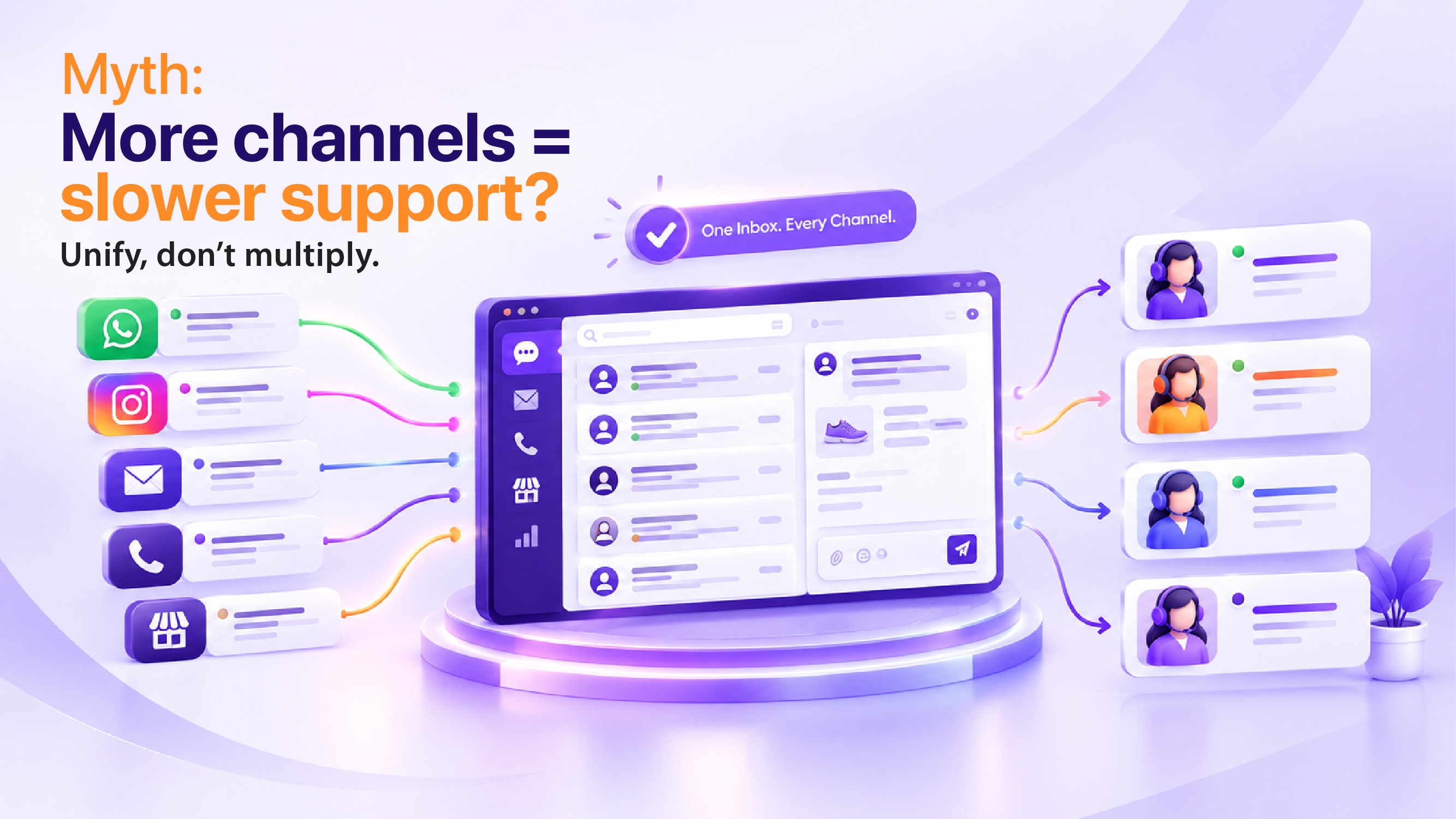
Answer: A single, cross‑channel inbox cuts response time because agents no longer switch between platforms, reducing context loss and duplication. Picture a supermarket chain where a shopper texts a complaint about a spoiled dairy product, posts the same issue on Facebook, and later calls the helpline. Separate teams handle each channel, leading to inconsistent answers and repeated effort.
The 3‑Phase Support Sync’s Integration Phase merges all inbound streams into one queue. Chat, email, social, and in‑store QR scans flow into a unified dashboard where each ticket carries its original channel tag. Agents see the full interaction history, respond once, and the system updates every channel automatically.
- Integration Phase
Deploy a middleware that pulls messages from WhatsApp Business API, Instagram Direct, email servers and POS‑linked QR scanners into a single ticketing platform. Tag each ticket with source, but treat it as a single entity for handling.
- Synchronization Phase
When an agent replies, the platform pushes the response back to the originating channel and logs the exchange in the CRM. The customer sees a consistent voice whether they check their phone, scroll Instagram, or approach the service desk.
- Feedback Phase
Collect channel‑specific satisfaction signals—emoji reactions on WhatsApp, thumbs‑up on social, post‑call surveys—and feed them into the same analytics layer. This informs future routing tweaks and ensures the unified inbox improves both speed and quality.
Action: Consolidate all support channels into a single inbox, tag each ticket with its origin, and train agents to handle the unified view.
Agent Efficiency Metrics: Tracking effort per ticket reveals hidden waste
Answer: Measuring effort per ticket surfaces inefficiencies that training and tooling can fix, delivering faster replies without extra hires. Consider a beauty brand during the festive season: agents spend minutes copying order numbers from emails into the CRM before they can address the query, inflating handling time despite a large team.
The 3‑Phase Support Sync’s Metrics Phase captures every action—lookup, note‑taking, escalation—assigning a time stamp. Dashboards display average effort per intent, highlighting where agents spend disproportionate time.
- Metrics Phase
Instrument the ticketing tool to log start and end times for each sub‑task. For example, “order lookup” records the duration between ticket opening and order ID retrieval. Aggregate these logs to see which intents consistently exceed the ideal effort window.
- Optimization Phase
Identify high‑effort intents and introduce shortcuts: macro responses, CRM‑embedded order lookup, or AI‑suggested replies. Provide focused training on those shortcuts, then re‑measure to confirm effort reduction.
- Continuous Improvement Phase
Set a quarterly review cadence where the support manager compares current effort metrics against historical baselines, identifies regressions, and iterates on the routing and tooling configuration. This ongoing loop ensures that agent workload impact is minimized and response time optimization continuously improves.
Action: Enable granular time‑tracking on ticket actions, analyze effort per intent, and introduce automation or training to reduce waste before expanding staff.
Real‑World Indian Retail Scenario: The Festival‑Season Surge at a Traditional Textile Store
During the weeks leading up to Navratri, a well‑known textile retailer in Jaipur experiences a flood of customer interactions. Shoppers use WhatsApp to inquire about fabric availability, post Instagram stories asking for style advice, and visit the store’s help desk for size confirmations. The support team, consisting of a senior manager, two mid‑level agents, and three junior associates, finds itself juggling disparate platforms.
Instead of hiring additional staff, the retailer applies the 3‑Phase Support Sync. First, they map all entry points—WhatsApp messages, Instagram DMs, and in‑store QR codes—into a unified taxonomy of “fabric‑stock”, “size‑guide”, and “order‑status”. Next, they set routing rules that send “fabric‑stock” queries directly to a senior associate who has deep product knowledge, while “size‑guide” questions flow to junior agents equipped with quick‑reference macros. Finally, they monitor effort metrics and discover that agents spend excessive time switching between the WhatsApp Business dashboard and the Instagram interface. By introducing a single inbox that aggregates both channels, the team reduces context switching, delivering faster replies and a consistent brand voice throughout the festive rush.
Implementation Framework: Applying the 3‑Phase Support Sync End‑to‑End
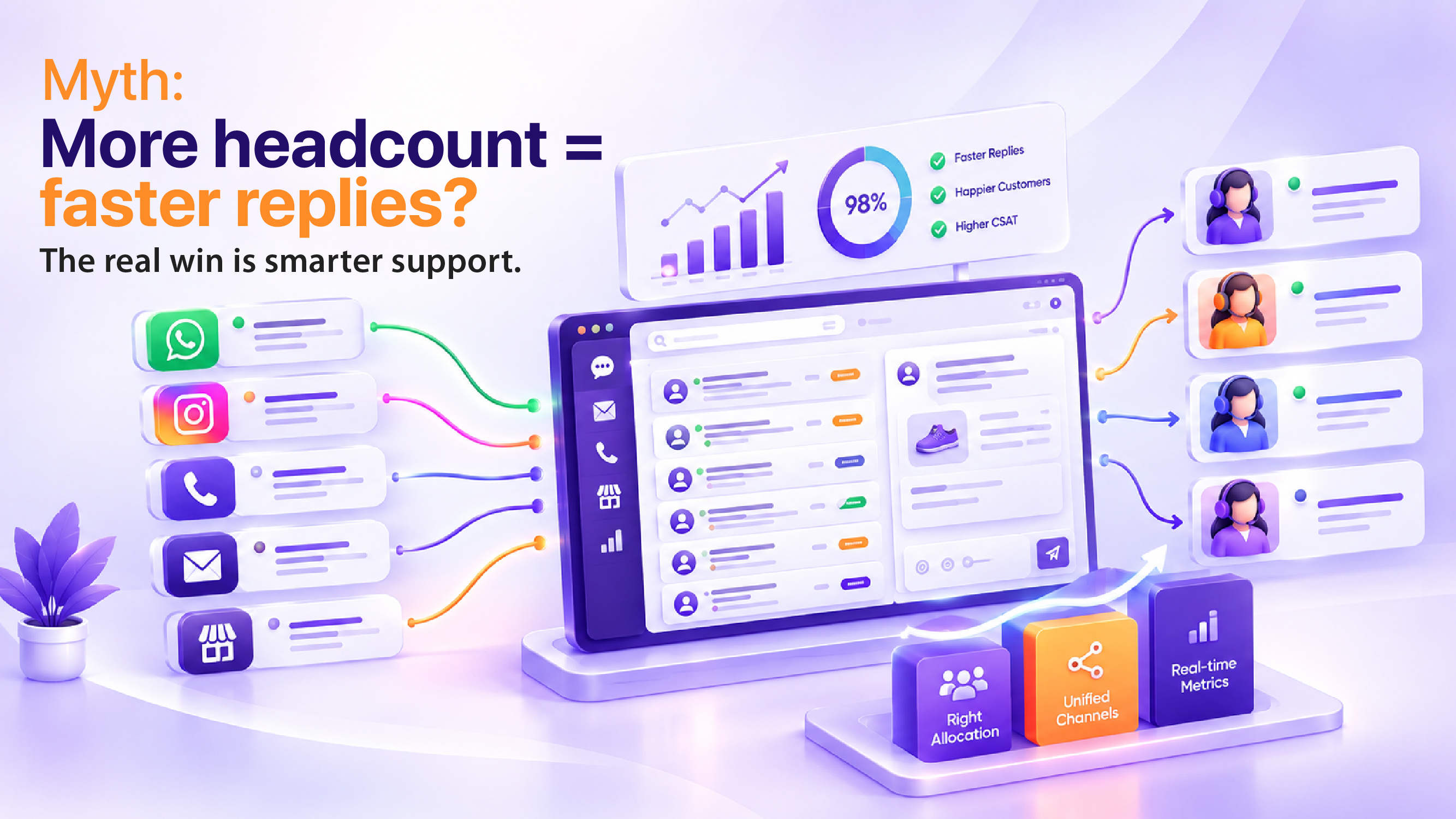
To translate the concepts into actionable steps, organizations can follow this structured framework:
- Discovery & Mapping: Conduct workshops with frontline agents to list every customer touchpoint—digital and physical. Create a detailed taxonomy of intents and assign a priority level based on business impact.
- Rule Engine Configuration: Using a flexible ticketing platform, encode the taxonomy into routing rules. Define thresholds for load balancing, such as “no agent should have more than 15 active tickets of any single intent”.
- Middleware Integration: Deploy connectors for WhatsApp Business API, Instagram Direct, email, and POS‑linked QR scanners. Ensure each inbound message is enriched with metadata (channel, intent, customer ID) before entering the unified inbox.
- Unified Dashboard Deployment: Customize the agent view to display the full interaction history, macro suggestions, and real‑time effort metrics. Enable one‑click replies that automatically propagate to the originating channel.
- Metrics Instrumentation: Activate granular logging for sub‑tasks (lookup, note‑taking, escalation). Build dashboards that surface average effort per intent and highlight outliers.
- Training & Enablement: Run targeted training sessions on the new routing logic, macro usage, and the unified interface. Provide cheat sheets that align with the taxonomy.
- Continuous Review Loop: Schedule weekly stand‑ups to review allocation logs, followed by a monthly deep‑dive on effort metrics. Adjust routing rules and add new intents as seasonal trends emerge.
- Scale Decision Gate: Before approving any headcount increase, evaluate the impact of the latest optimization cycle. If response time optimization and customer support efficiency have improved to target levels, defer hiring and reinvest savings into further automation.
This framework embeds the three phases—Allocation, Integration, Metrics—into a repeatable process that drives sustainable improvement without relying on additional agents.
Deeper Dive into the Thinnest Section: Multichannel Cohesion
The challenge of multichannel support goes beyond simply aggregating messages; it involves preserving context, maintaining brand voice, and ensuring regulatory compliance across platforms. When a customer initiates a conversation on WhatsApp and later follows up on Instagram, the support system must recognize that both interactions belong to the same underlying issue. This requires a persistent customer identifier that survives channel transitions. By linking each ticket to a unified customer profile, agents can see purchase history, prior complaints, and preferred communication style, enabling them to tailor responses without reinventing the wheel.
Moreover, a unified inbox empowers supervisors to enforce a consistent tone. Automated style guides can be embedded within the reply composer, offering real‑time suggestions for phrasing, branding terminology, and compliance language. This reduces the risk of divergent messaging that can erode trust, especially during high‑stakes periods like festival sales.
Finally, a single inbox simplifies analytics. Instead of piecing together reports from disparate systems, the organization can generate a holistic view of response time optimization, channel performance, and agent workload impact. Trends such as “peak Instagram activity after a product launch” become visible instantly, allowing proactive staffing and content adjustments.
Action: Consolidate all support channels into a single inbox, tag each ticket with its origin, and train agents to handle the unified view.
Frequently Asked Questions
1. How does adding more agents affect overall response time for customers?
Increasing agent count can dilute focus, leading to slower individual replies if new hires are not fully integrated into the workflow. A lean team with well‑defined roles often delivers quicker, more consistent responses because each agent handles a manageable volume of inquiries.
2. What role does training play in optimizing response time when scaling the team?
Comprehensive onboarding and continuous skill development enable agents to resolve issues faster and reduce back‑and‑forth exchanges. When new hires receive targeted training on product knowledge and support protocols, they can handle queries efficiently, keeping response times low.
3. Can technology compensate for a smaller agent pool while maintaining fast replies?
Automation, AI chatbots, and knowledge base integration empower customers to find answers instantly, freeing agents to focus on complex cases. By leveraging these tools, a boutique team can sustain rapid response times without expanding headcount.
4. How does a multichannel support strategy influence the perceived speed of customer service?
Offering consistent service across email, chat, social, and phone ensures customers receive timely help wherever they reach out. Seamless handoffs between channels prevent delays, making the support experience feel swift even if agent numbers remain modest.
5. What impact does workload imbalance have on agent efficiency and customer satisfaction?
When certain agents are overloaded while others are idle, overall support quality drops and response times lengthen. Balancing workloads through smart routing and shift planning keeps agents productive, which translates into quicker, more reliable customer interactions.